
Cheat System
Turn on infinite lives, unlock levels, or test ideas — per game, with changes applied live.
Overview
TruchiEmu comes with a built-in library of cheat codes for thousands of games. When you load a ROM, any known cheats appear in the Cheats panel pick which ones you want, and they're applied live. You can also enter your own codes if the ones you want aren't in the library yet.
What You Get
- Built-in Cheat Library: Pre-made cheat collections for thousands of games, pulled from the libretro-database. Enable cheat downloads in the Setup Wizard or Settings to keep the library fresh.
- Auto-Discovery: Cheats for the current game appear in the panel automatically when you load a ROM
- Live Toggle: Turn cheats on and off without restarting the game
- State Persistence: Once you enable a cheat, it stays enabled for that game until you turn it off
- Your Own Codes: Manually add Game Genie, Pro Action Replay, GameShark, or raw hex codes for cheats not in the library
Supported Code Formats
TruchiEmu reads Game Genie (6–8 character alphanumeric codes), Pro Action Replay (hex codes with addresses), GameShark (format varies by system), and raw memory codes. You don't need to specify which format TruchiEmu figures it out from the code itself.
Step-by-Step Configuration Guide
Basic Cheat Usage
-
Access Cheat Menu
Open the cheat menu by selecting
Tools → Cheatsor pressingCmd+Shift+C. The cheat management window displays available cheats for the current game.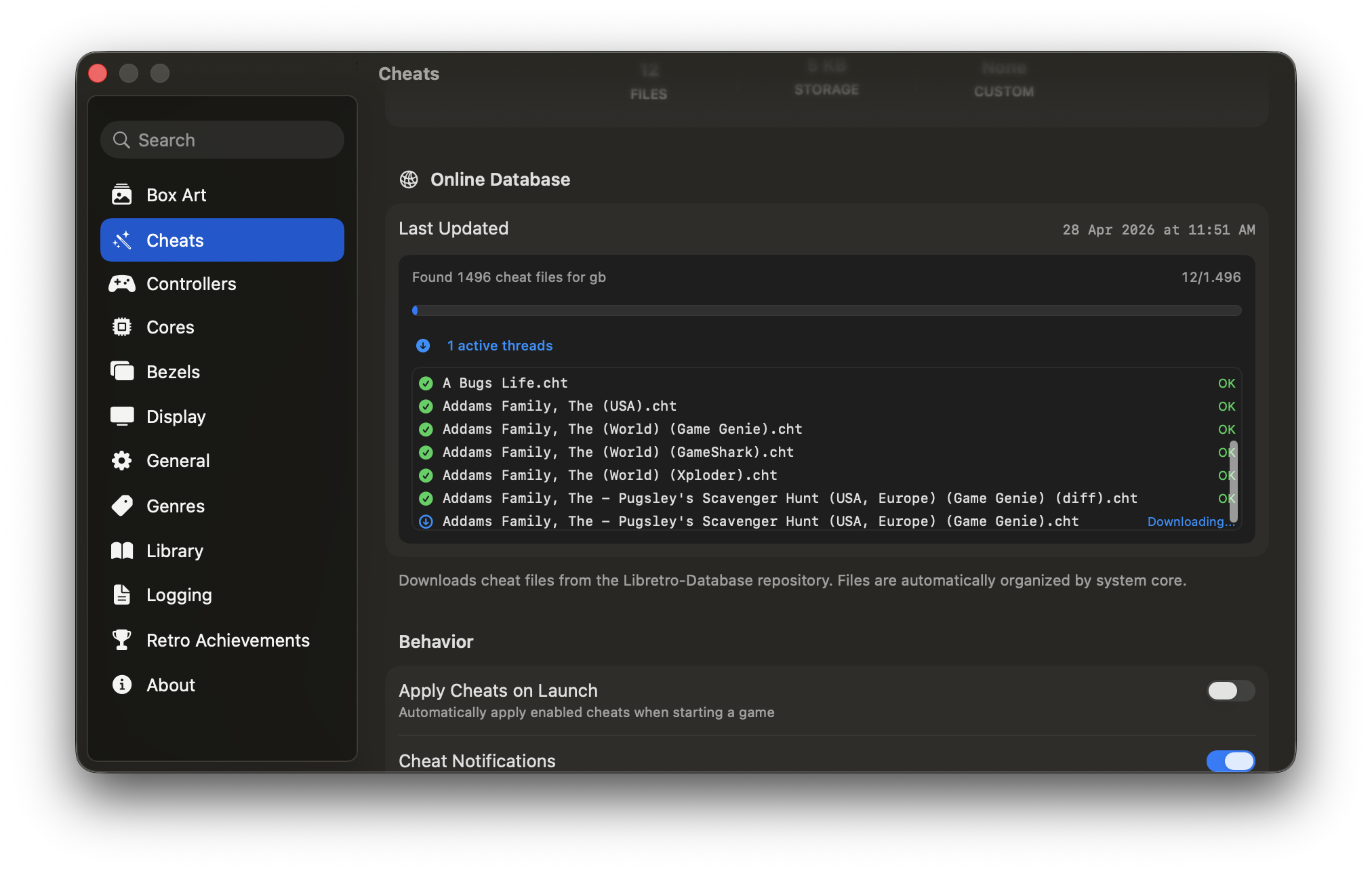
-
Browse Cheat Database
Use the search bar to find specific cheats or browse by category. Categories include Gameplay (infinite lives, health), Items & Equipment (weapons, power-ups), Debug & Testing (level select), and Custom Codes.
-
Enable Cheats
Check the box next to any cheat to activate it immediately. Enabled cheats show a green indicator. Multiple cheats can be active simultaneously.
-
Test in Game
Return to your game and verify the cheat works as expected. Some cheats require specific conditions (e.g., must be at title screen, requires reset).
-
Save Cheat Configuration
Cheat selections are saved automatically whenever you toggle a cheat. They persist across app launches — next time you load the game, previously enabled cheats will automatically reactivate.
Manual Cheat Entry
-
Add New Cheat
In the cheat menu, click "Add Cheat" and enter a descriptive name.
-
Enter Cheat Code
Type or paste the cheat code into the code field. TruchiEmu automatically detects the format (Game Genie, Action Replay, GameShark, or raw hex) and parses it correctly. There is no format picker.
-
Description and Notes
Add a description explaining what the cheat does and any special conditions. This helps organize large cheat collections.
-
Test and Refine
Enable the cheat and test in game. If it doesn't work, verify the code format and ensure it matches your game version and region.