Shader System
TruchiEmu's advanced shader system transforms your retro gaming experience with real-time visual enhancements, CRT simulation, and modern post-processing effects. Built on Apple's Metal framework, our shader pipeline delivers pixel-perfect rendering with zero performance overhead.
Overview
Shaders let you re-skin what hits the screen turn flat pixels into a warm CRT glow, or a period-accurate Game Boy LCD, or a clean modern upscale. Everything runs on the GPU so the cost is tiny, and you can tweak parameters live without restarting the game.
What's in the Library
- 14 Built-in Presets: Organized into CRT, LCD, Smoothing, and Custom categories
- CRT Effects: CRT Lottes, CRT Classic, Lite CRT, CRT Multipass phosphor glow, scanlines, curvature, and barrel distortion
- Handheld LCD Effects: 8b Game Boy, 8b Game Boy Color, GBA (Advanced LCD), PSP (Advanced LCD), NDS (Advanced LCD), 3DS (Advanced LCD), Dot Matrix LCD
- Clean Upscalers: Sharp Bilinear and Smooth Upscale for a modern, unfiltered look
- Color Controls: Color boost, gamut matrix correction, and tint sliders per preset
- Custom Presets: Save your own tweaked parameters as a
.truchishaderfile you can export and re-import
Performance
Shaders run on the GPU via Metal. Passthrough and the basic scalers are effectively free; CRT and LCD simulations use more GPU time but stay at 60fps on any modern Mac. If a particular preset feels heavy on your hardware, try Lite CRT or Sharp Bilinear as lighter alternatives.
Step-by-Step Configuration Guide
Basic Shader Setup
-
Access Shader Settings
Open the Shader Editor from the game window toolbar, or choose a quick preset in
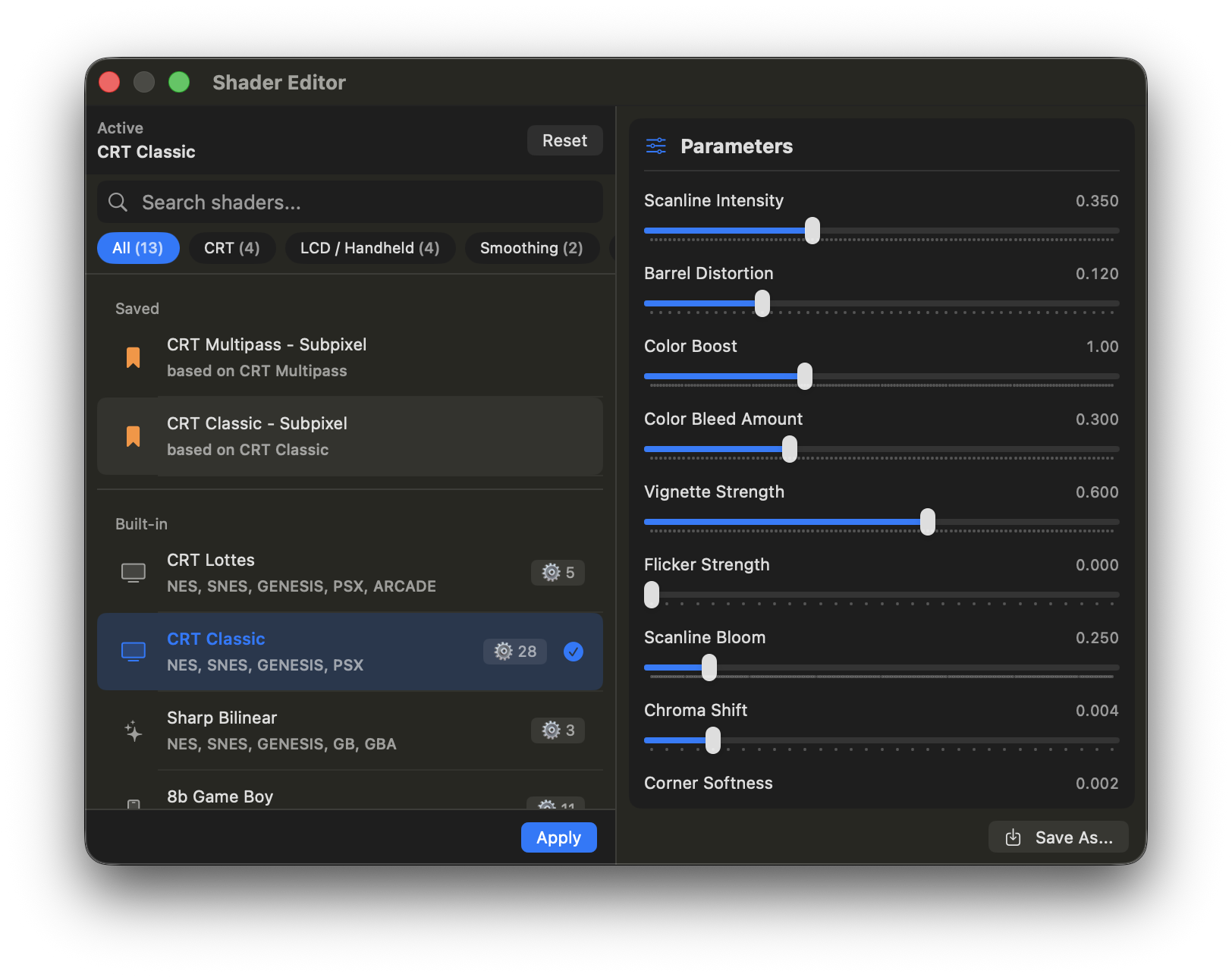
Settings → Video → Shaders. The full shader editor is a floating panel with search, category tabs, parameter sliders, and save/export.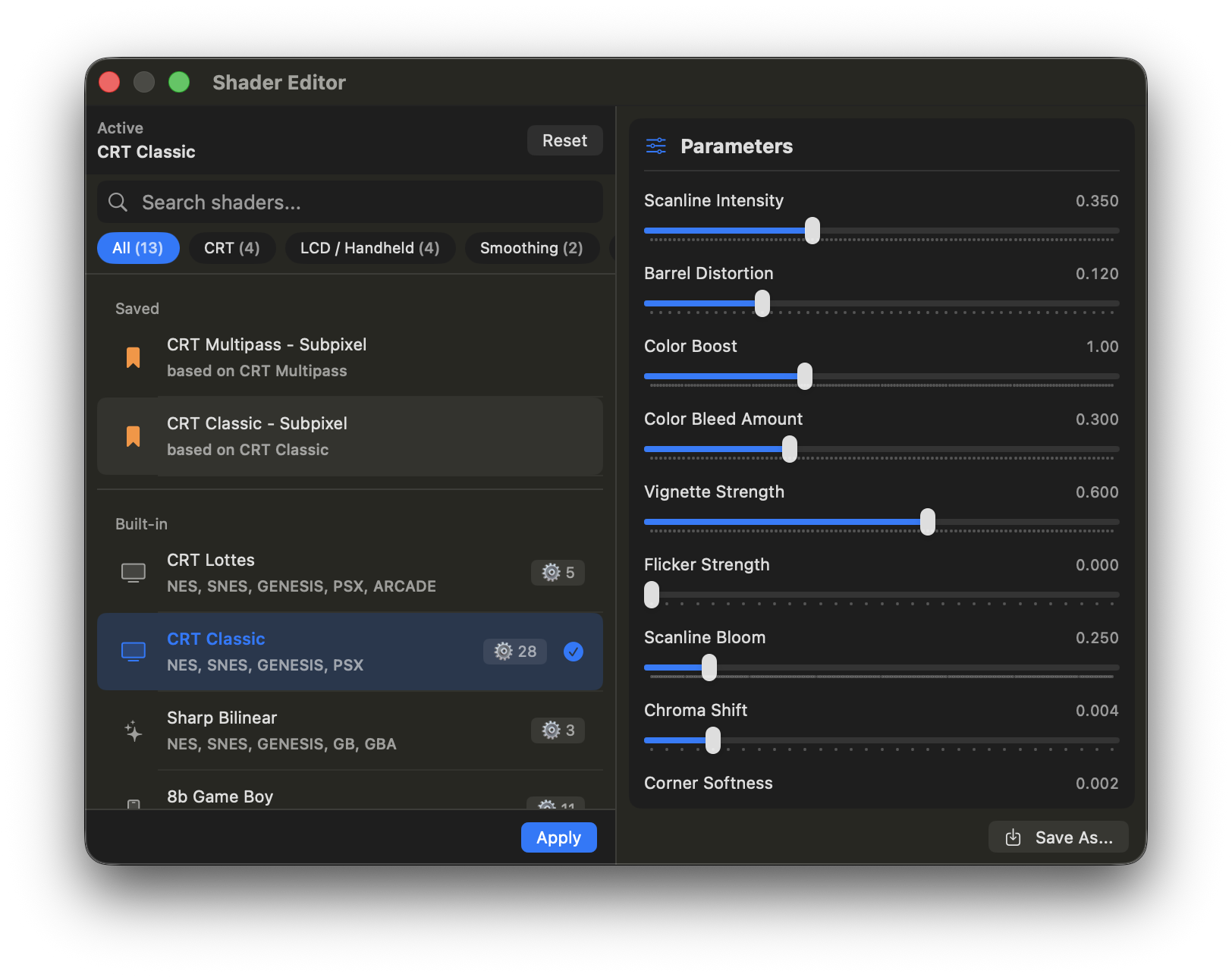
-
Select a Preset
Choose from 14 built-in presets organized by category:
- CRT: CRT Lottes, CRT Classic, Lite CRT, CRT Multipass
- LCD: 8b Game Boy, 8b Game Boy Color, GBA (Advanced LCD), PSP (Advanced LCD), NDS (Advanced LCD), 3DS (Advanced LCD), Dot Matrix LCD
- Smoothing: Sharp Bilinear, Smooth Upscale (ScaleFX)
- Custom: No Shader (passthrough)
Each preset includes pre-configured shader parameters optimized for different display types.
-
Adjust Shader Parameters
Use the parameter sliders to fine-tune effects in real-time. Changes apply immediately without requiring a restart.